
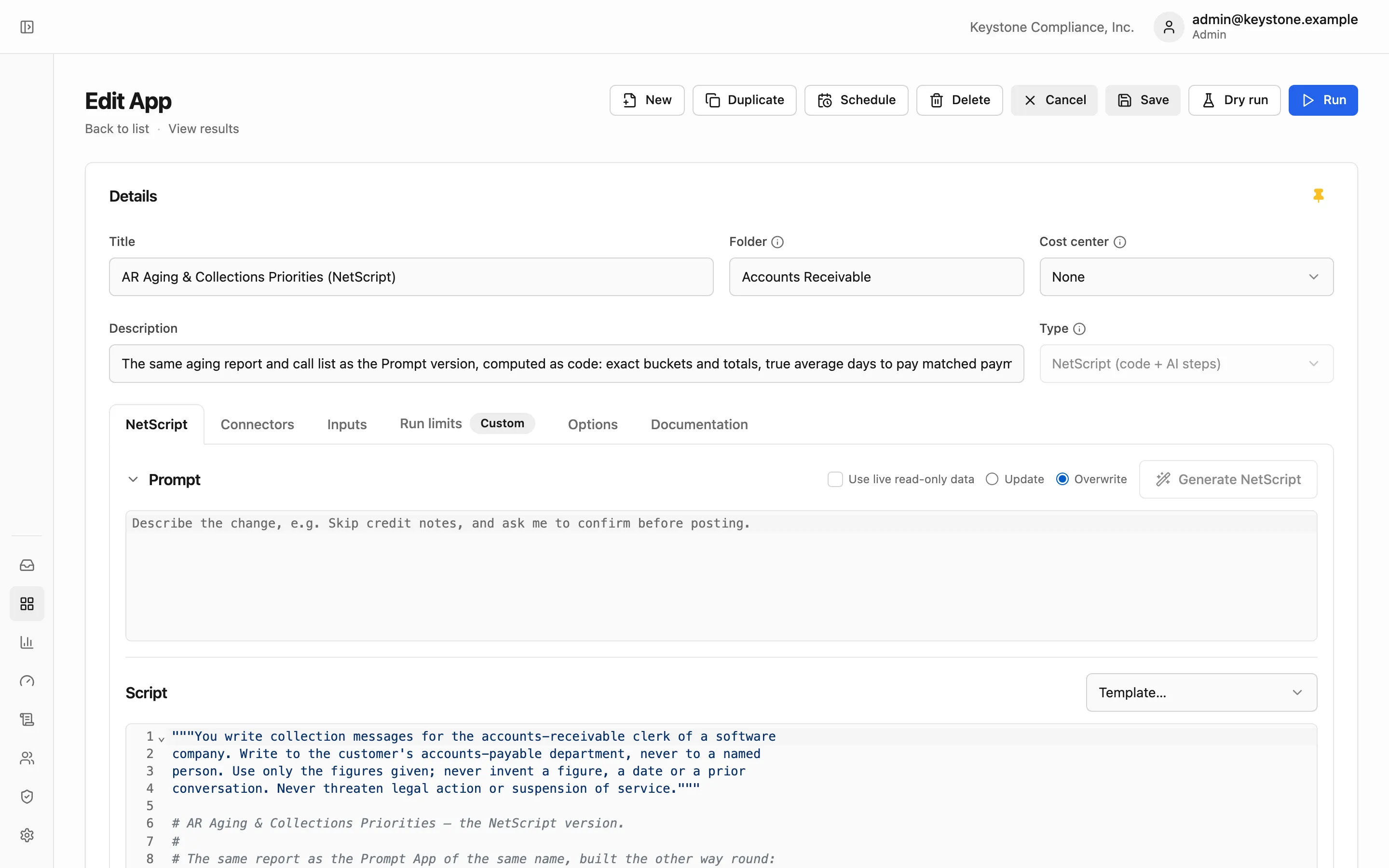
Describe the steps. Netridium writes them in NetScript.
Describe the process; Generate writes the NetScript, a governed Python dialect for AI. Netridium compiles and runs it; the AI is not the runtime.
You review the code; you rarely write it.
Describe the process in plain English, pick the App's connectors and click Generate. Netridium writes the script against those connectors' real tools and checks that every call names a real tool with real arguments. Ask for a change and the script is edited, not rewritten. With live read-only data on, it runs once against your systems and changes nothing.
The rules that make it safe.
- Logic wraps language
Arithmetic, totals, routing and updates run as code, never inside a model.
- AI only where marked
askis one call;agentis a bounded loop over read-only tools. - Typed answers
Each AI step returns the record shape you declared, or the step fails.
- Untrusted by default
AI output cannot reach an update until validated or approved by a person.
- Checked before it runs
A script with an error cannot be saved; connector calls are checked against the live system.
- Bounded runs
Every run has a ceiling on cost, time and number of updates.
Pause for a person, then carry on.
A run can stop and ask someone a yes/no, one choice, several choices or a short form. It can also hold a value until someone approves, edits or rejects it; an approved value is cleared to be written. The question waits in that person's Inbox, or their role's, for up to 30 days. While it waits, nothing runs and nothing is spent. When the answer arrives, the run continues from the same step.

Read-only until you open three gates.
A write needs Allow updates on the App, Allow updates on the connector and, for Xero, QuickBooks Online and Salesforce, a read-write connection. All three start off. Even with all three open, AI output cannot be written until it is validated or approved. Each write is recorded before it is sent, so it is never sent twice. Dry run reads for real, lists every change the script would have made, and makes none of them.
class Urgency(Shape):
    priority: Enum["low", "medium", "high"]
    reason: str = field(max_len=200, required=False)

def run(as_of: Date):
    invoices = query(QBO.Invoice, select=["Id", "DocNumber", "Balance", "DueDate"],
                     where=[QBO.Invoice.Balance > 0])
    overdue = [i for i in invoices if i.DueDate < as_of]          # code, exact
    u = ask(Urgency, "How urgent is this overdue balance?",       # one typed AI call
            data={"invoices": overdue}, model="fast")
    go = request_confirm(f"Flag {len(overdue)} invoices as {u.priority}?")  # a person decides
    return {"priority": u.priority, "total": sum(i.Balance for i in overdue)}